Thursday Thoughts 04
Thought I would put together some individual thoughts again; usually I write the posts all at once but today I'm returning to the post throughout the day.

LLMs are much-maligned and there are good reasons for this. HOWEVER, one of my favourite things to do (at work) is use Copilot to offload menial tasks. Today I gave it a CSV file and told it to highlight rows based on weekdays and times.
I could have done this manually but Copilot ran through everything in a few minutes. I did double-check the results and they were correct. Copilot isn't going to replace my work, but it does help reduce make-work tasks.

A few weeks ago I bought a 2-pack of Eternity Pencils from Staples. The selling point is that they don't require lead or sharpening. (What they don't say is that you probably have to replace the "nib" after prolonged use, which they conveniently do not sell - so you'd have to buy a new set.)
Anyway. I don't like how they write, they're too scratchy. Plus, unless you write on high-quality paper (like bills/statements from companies) it is far too light and unreadable. It doesn't even write well on 28 oz printer paper! But in the end I have found a use for it.
I found an iPad Logitech keyboard a while back at a thrift store. It's meant for an older model and has a tiny button in the groove that holds it in place and functions as the power button so that it connects automatically. My iPad Air does not fit properly so I have to contort the iPad case in such a way that it doesn't reliably fit and the button disconnects. I've tried various ideas to hold the button down, but pens etc. are not heavy enough.
Yesterday I got the idea (sort of from Brandon saying he got a cheap iPad keyboard) to try the eternal pencil. It's heavier than a pen or mechanical pencil, but not heavy enough to activate the button in the keyboard. However, it's flush with the little groove and I was able to put the iPad case on top of the pencil and it keeps the button pressed down.
Now I have an almost-perfect portable keyboard.

I'm never satisfied with weather apps. There's usually one of 2 problems: they look ugly (Environment Canada's "WeatherCan" app) or the data is incorrect. Samsung's weather app is okay, but I don't like how it brings you to The Weather Channel, outside of the app, to look at things like the radar.
Today Weather almost solves both issues, but my hang-up is the radar. I don't think there's anything wrong with the radar data, it seems to match other sources; but there's no legend.
So now I'm trying out Weawow. It's similar to Today Weather in terms of the UI and how it looks. The radar is an improvement over Today Weather: it's the same data, but it has a legend! Now you can tell what the different colours mean.
So we'll see how it goes.

Sometimes I feel like I might be too anti-social. I'm very introverted but I do have a limited social battery and can be social. I used to avoid eating lunch in the kitchen at my old office and ate at my desk; but now in this open office environment it's not appropriate to do that so I have to go eat in the kitchen.
On certain days there are just too many people around for my liking. Sometimes I find it hard to tune out conversations and concentrate on what I'm reading. It's too loud. Insert any other annoying part about being around people.

I'm still working on improving battery life on my phone. I think I should still go back to the wireless shop I bought the battery from...but I wonder if I'm being too harsh because I'm judging on battery dropping from 80% rather than 100%.
Still, the other day my phone said it would only last until 6pm (that's going down to 0%) at noon. That can't be right. It's been almost two weeks now, so the new battery should have "settled" by now based on everything I've read online.
What I've done as of today is turn Power Saving on when I get to the office. I don't need regular power available to me all day at the office so no reason not to turn it on.
Tomorrow I'm checking out my weekly SOT numbers to compare to last week, to see if there's been any improvement.

I've been working on mini one-page notebooks and I'm working on one to help me get over the hump and record a new podcast. The first side (in the first post) is the brainstorming stage; the second side (the cover shared in the second post) will be the actual planning / figuring out the content.

Pursuant to the above, I thought I'd try drawing a couple of things to make a "cover" of sorts. I've never considered myself to be good at drawing but I'm pretty happy with how it turned out.
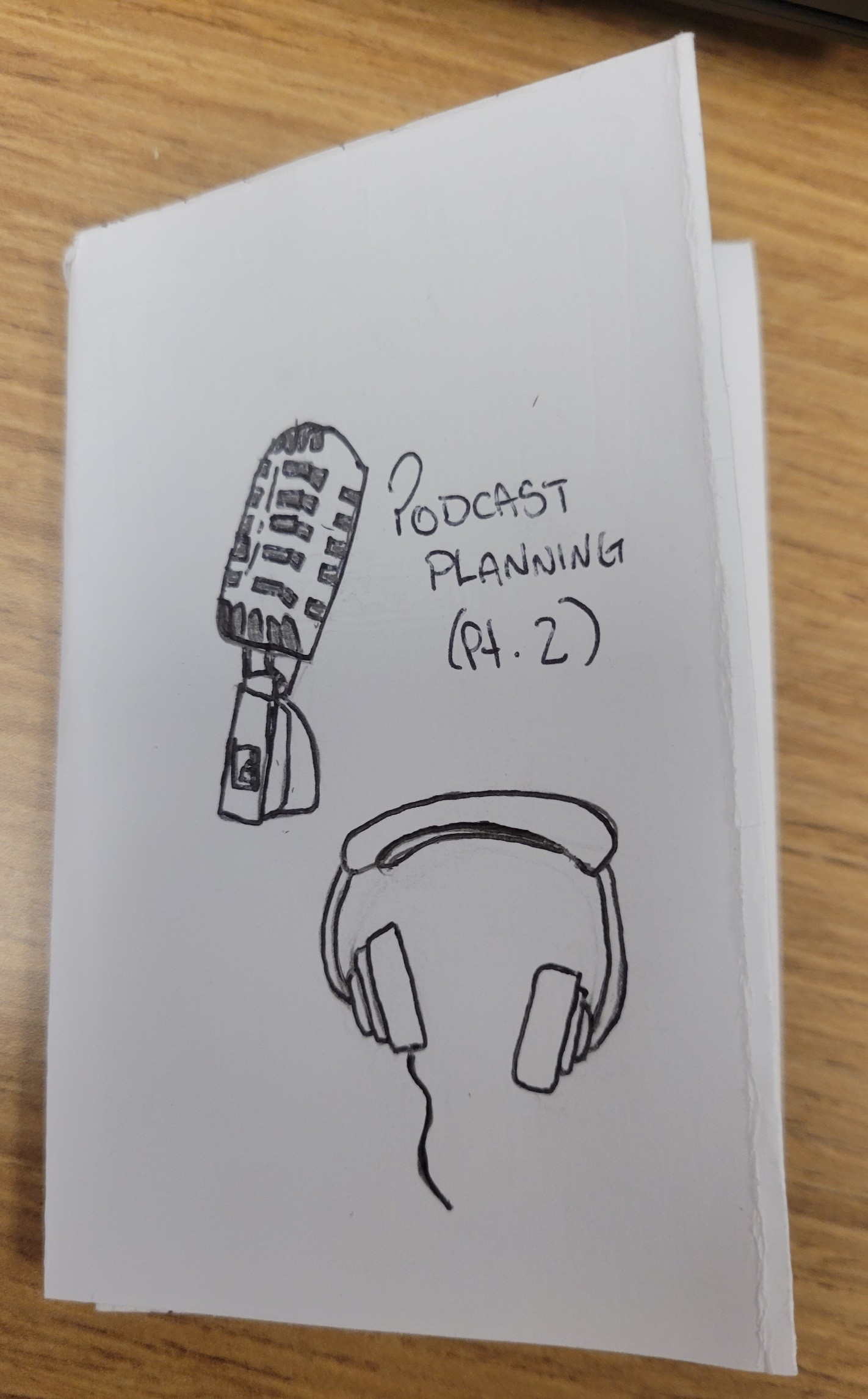 (I had help with both the microphone and headphones from some YouTube tutorials.)

Last thought: I hope everyone is having a good day!